In short
Frosvo's reports show how your team and your AI assistant are doing: conversation volume, first-reply and resolution times, each person's workload, what the assistant resolved and cost, the questions it could not answer, and customer ratings. You can export any report as CSV or have it emailed on a schedule.
What you get
- Team reports
- Volume, first-reply and resolution times, and workload per person, by day.
- Assistant report
- What it resolved, when and why it handed over, and what it cost.
- Ratings
- Satisfaction over time and per person.
- Knowledge gaps
- The questions the assistant couldn't answer, grouped.
- Scheduled emails
- Daily or weekly reports to anyone on the team.
- CSV export
- Every report, any time, for your own spreadsheets.
Get started
Open Reports
Pick a date range and a website.
Compare
Team and assistant side by side.
Schedule
Have it emailed to you.
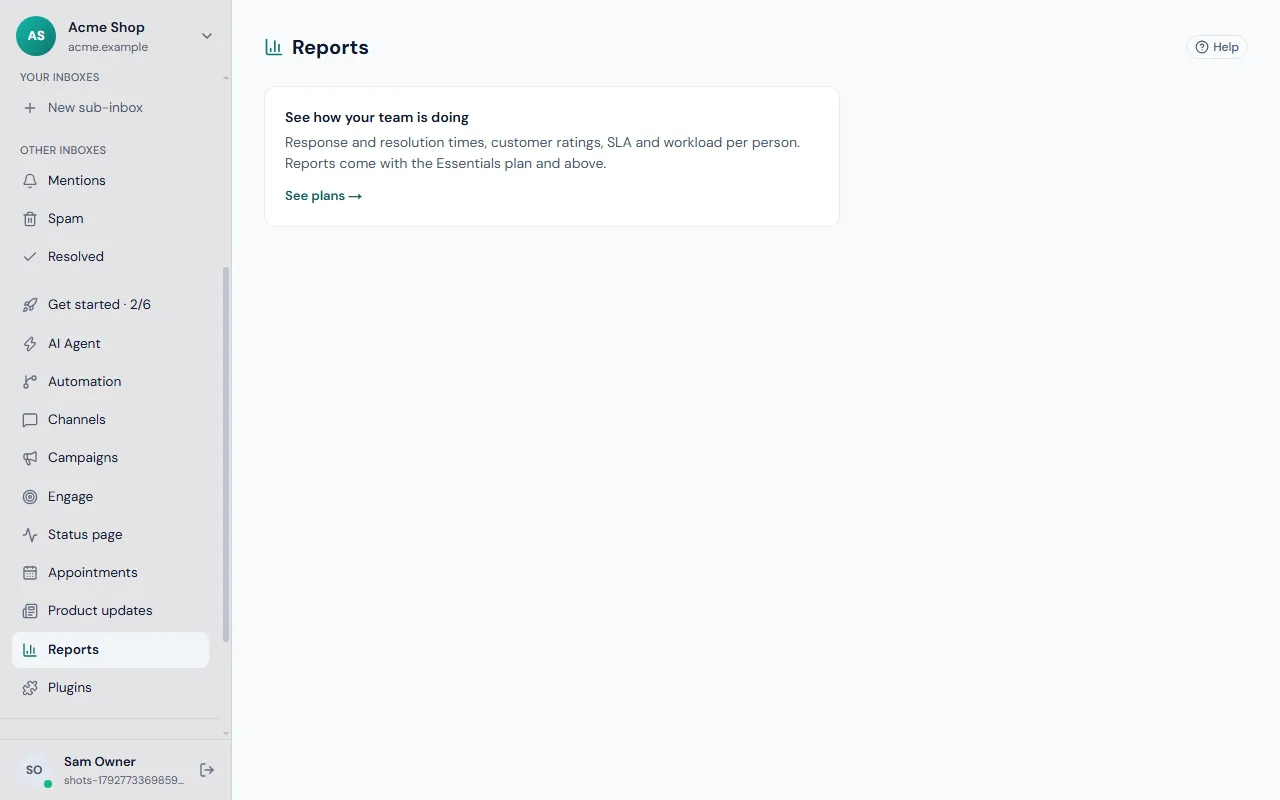
Team, assistant and ratings
The team report shows how many conversations came in, how quickly people replied first and how long problems took to resolve, by day and by person. The assistant report shows what it resolved on its own, why it handed over, and what it cost.
Ratings show customer satisfaction over time and per person, from the rating visitors give when a conversation ends.
Find what to fix next
The assistant report lists knowledge gaps: questions it could not answer, grouped so you can see which article to write next. Set first-reply and resolution targets under Automation, and Frosvo records every missed target.
Choose a date range and website, export CSV, or schedule a daily or weekly report by email to anyone on the team, at a time in your own time zone.
Frequently asked questions
What can I measure in Frosvo?
Conversation volume, first-reply and resolution times, each person's workload, what the assistant resolved and why it handed over, what it cost, the questions it could not answer, and customer ratings. Choose a date range and website, and export any report as CSV or schedule it by email.
Can reports be emailed automatically?
Yes. Schedule a report to be emailed daily or weekly to anyone on your team, at a time in your own time zone, so the numbers reach people who do not open the desk every day. The same reports can also be exported as CSV whenever you need them.
Can I export my data?
Yes. Any report can be exported as CSV, and owners can export the whole workspace, including conversations, contacts, articles, team and settings, as one file. Passwords and secret keys are never included. Owners can also export or erase everything held about one person on request.