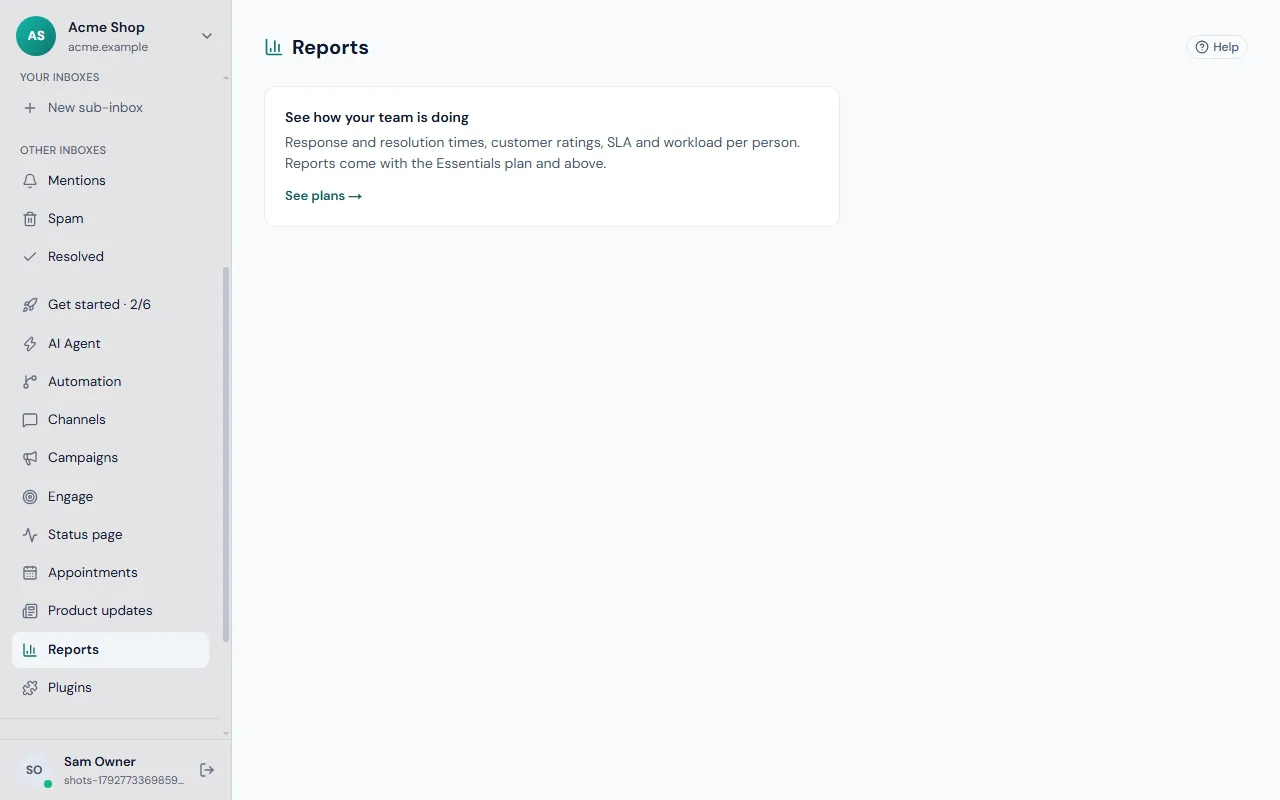
Open Reports in the desk and choose a date range and website.
Team
Conversation volume, first-reply and resolution times, and each person's workload, by day.
Assistant
What the assistant resolved on its own, when and why it handed over, what it cost, and the knowledge gaps it found.
Ratings
Satisfaction over time and per person, from the ratings visitors give when a conversation is resolved.
Taking reports with you
- Export CSV from any report.
- Scheduled emails — send a report daily or weekly to anyone on the team, at a time in your time zone.
Reading the numbers
- First reply time shows how quickly customers hear from a person or the assistant.
- Resolution time shows how long problems take to finish.
- A rise in handovers from the assistant often means a knowledge gap. Write the missing article.
- Ratings show how customers feel after a conversation ends.
Related
Set targets under automation, see what the assistant costs in AI budget and usage, and read how the assistant works.
Common questions
How far back can I look? Choose any date range at the top of the report, and narrow it to one website when you run several.
Who can export reports? Exporting reports and seeing what the AI costs can be given to a custom role with the Reports permission; see roles and permissions.
Why do the team and assistant reports differ? The team report counts conversations people handled. The assistant report counts what the assistant resolved on its own and what it handed over. A conversation the assistant started and a person finished can appear in both.
How do I share a report? Export it as CSV, or schedule it by email to colleagues who do not use the desk. Turn the numbers into goals with the response-time targets under automation.