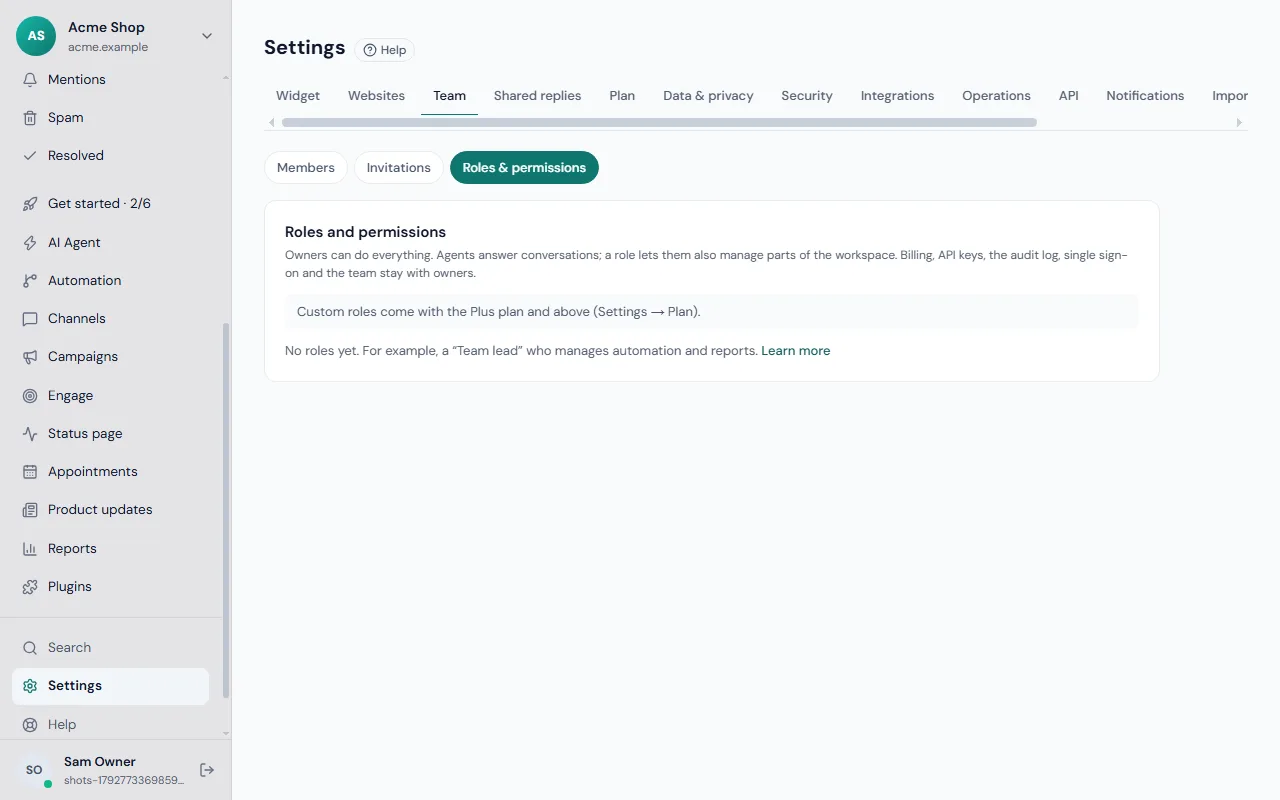
Not everyone needs the keys to everything. A role lets an agent look after one part of your workspace while owners keep control of the sensitive parts.
How access works
- Owners can do everything.
- Agents answer conversations.
- A role is a named list of extra areas an agent may manage, such as "Team lead".
The areas a role can include
| Area | What it covers | |---|---| | Websites and widget | Widget look and settings, websites, pop-ups, tours, recordings and testimonials | | AI Agent and knowledge | Articles, website pages, files, Q&A and re-indexing | | Automation | Workflows, routing, response-time targets, proactive messages, shared replies, shortcuts and macros | | Channels | Connecting email, WhatsApp, Messenger and other channels, delivery retries and templates | | Contacts and data requests | Importing and exporting contacts, contact fields and visitors' data requests | | Reports | Exporting reports and seeing what the AI costs | | Status, booking and ideas pages | Status pages, booking pages and the public ideas board | | Plugins | Installing and setting up plugins |
Create a role
- Go to Settings → Team and open Roles & permissions.
- Click New role.
- Give it a Name, for example "Team lead".
- Tick what people with this role can manage, besides answering conversations.
- Click Save.
Give the role to someone
In the same page, under Who has which role, choose the role in the box next to a teammate's name. To take it away, choose Conversations only.
Edit or delete a role
Use Edit to change the areas, or Delete to remove it. If anyone still has the role, Frosvo asks first; people lose its permissions and go back to conversations only.
What stays with owners
Billing, API keys, the audit log, single sign-on, the team and ownership, workspace data and deletion, identity verification and the AI budget cannot be given to a role. Only owners see them.
A sensible starting setup
- Team lead: Automation, Reports, Channels.
- Content editor: AI Agent and knowledge.
- Website manager: Websites and widget, Plugins.
Learn how to add people in the team guide, read about the audit log and security, and see the settings overview for where each area lives. Shared replies and macros need the Automation area; see saved replies and macros.