Everyone sends a wrong answer once in a while. Frosvo lets you correct it quickly.
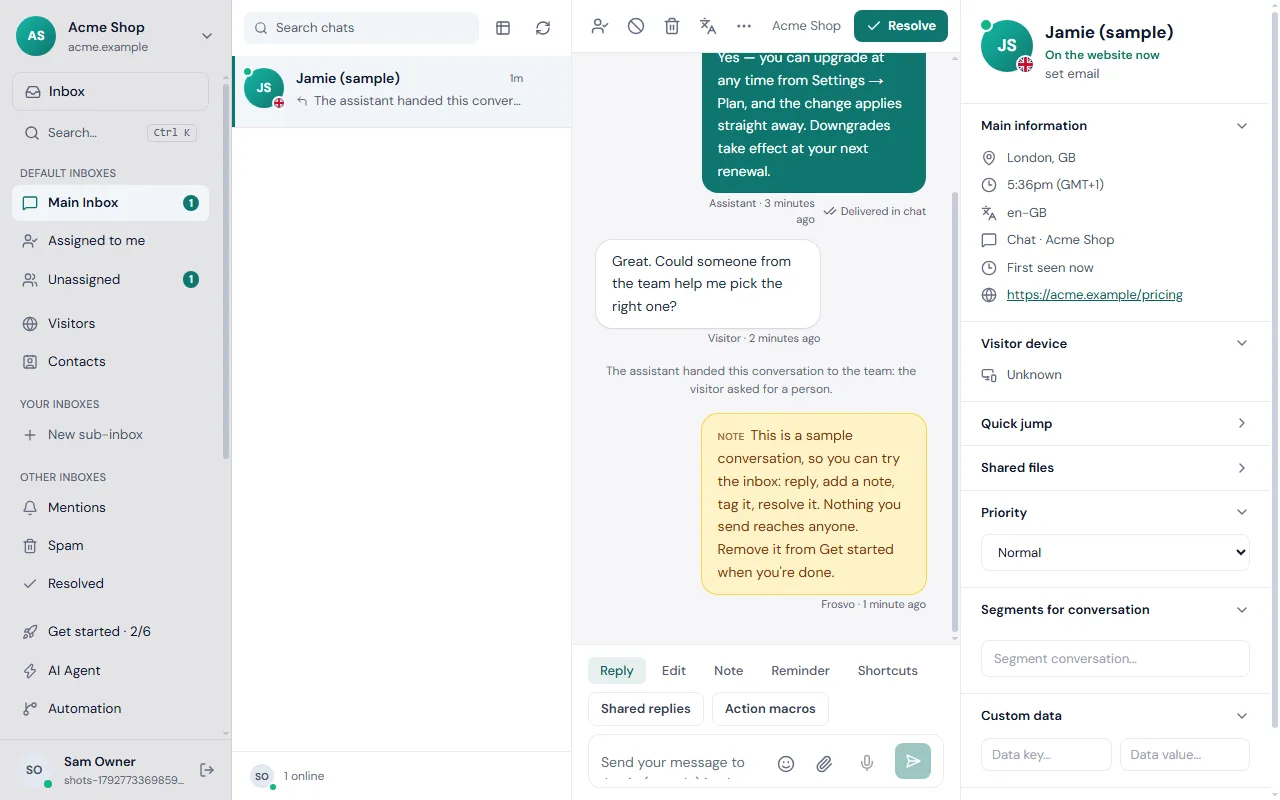
Undo straight after sending
When you send a reply, a bar appears at once: Message sent. Undo. It stays for about ten seconds. Click Undo and the reply is taken back and put in your reply box so you can fix it and send it again.
Edit a reply
- Open the conversation in the Inbox.
- Find your reply and choose Edit next to it.
- Change the text and save.
The new text replaces the old one in the visitor's chat, and your team sees a small "edited" mark beside the time. Edit only appears on replies you wrote.
Unsend a reply or delete a note
- Choose Unsend under your reply, or Delete under your private note.
- Read the question and confirm.
You can take back your own reply at any time, not only right after sending. It disappears from the visitor's chat.
What can't be taken back
- A reply that was emailed. If the visitor had left the site and the reply went out by email, the confirmation tells you: "It was already emailed, the email can't be recalled." You can still remove it from the chat.
- Public replies on other channels. Replies on WhatsApp, Telegram, SMS and similar channels have already been delivered by that service, so Frosvo refuses to unsend them.
- Someone else's message. You can only change your own.
Tips
- Use shared replies for answers you send often, so there is less to correct.
- Check the ticks under a reply before editing: if the visitor has already seen it, add a short follow-up so they know what changed.
If a message is still wrong after an edit, write a new reply or a private note for your team. The inbox guide covers notes, assigning and resolving.